I moved to a new URL! Check it out!

Super Ninja Slash

Super Ninja Slash
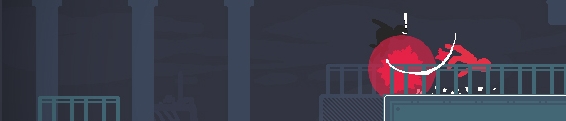
Over the summer I went to a local game jam. 48 hours to sit down and try and make a game. The theme of that game jam was "stealth" and Super Ninja Slash is the game that I ended up making.

The game is pretty short because I actually didn't add that much to it after the jam. The original version featured some pretty bad music by myself, but luckily DannyB was able to step in and make a way better track for the game.

Super Ninja Slash also features a couple of leaderboards based on time and enemy kills, so if you're fortunate enough to get through the game's 9 brutal levels you can submit your time and compete with other internet people.

This also marks my 5th and final game release before GDC2013! Thus fulfilling my promise to myself to release 5 games in the span of a year. I'll talk more about that later though. For now just swing on over to Super Ninja Slash and give it a whirl!

Stickers!

Image

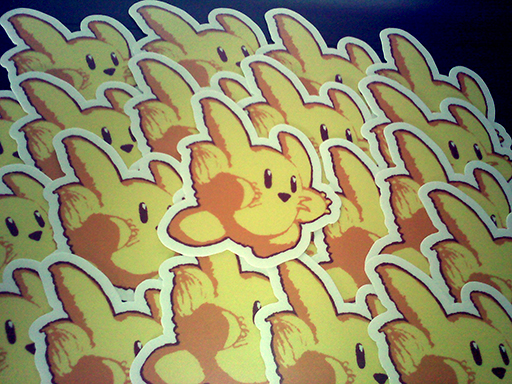
Hot of the presses from the fine folks at Stickermule! This is probably the only thing I'll be giving out at GDC this year. Only ordered 100 of them because I'm pretty bad at being social and handing out things like business cards and stickers and what not. If you want one just find me during GDC! They go really well on sketchbooks and laptops.

Doodle Post

Image


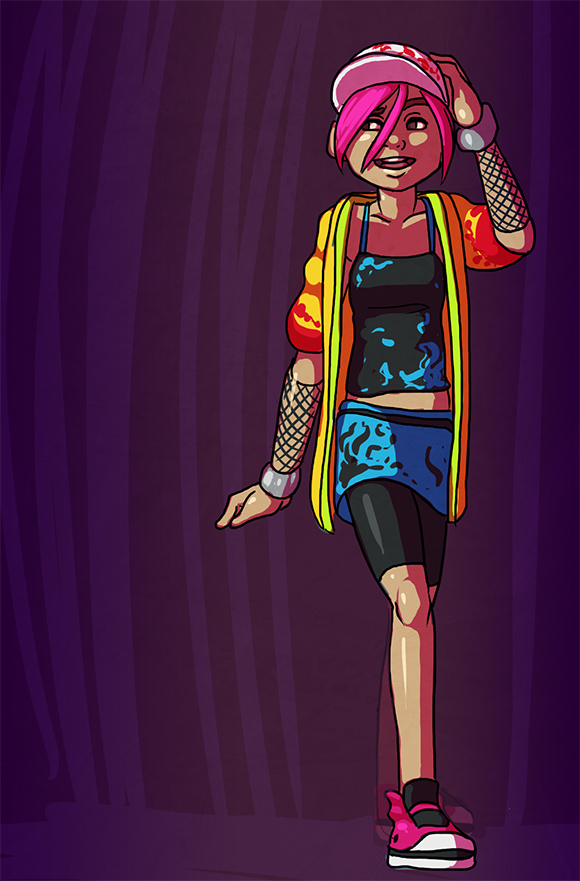
No idea what is going on with her back foot. Couldn't figure it out so I just blobbed in something stupid looking. OH WELL!

Adobe AIR Window Scaling

Adobe AIR Window Scaling
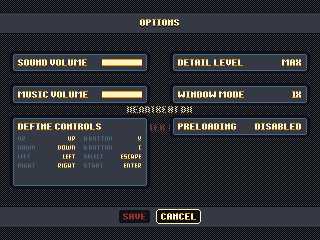
Over the past week I added some menus and options to my Global Game Jam game remake. I'm doing this super early on in the game's life because having some awesome polished menus makes it feel like a "real" game, which motivates me to work on it more. One of the first things I did for the game options was window scaling. The game natively runs at 320 x 240, so obviously players are going to want some various scaling options unless they really want to run it at 1x and barely see the game on their screens that are now probably 4000 pixels wide.

The awesome thing about working in AIR is that it will automagically resize the game's window to the size of the flash stage, so all I have to do is set the stage width and the stage height and the window will resize to match. However, there are some funky issues that can arise.

The flash stage has different scaling modes that you can use. There's EXACT_FIT, NO_BORDER, NO_SCALE, and SHOW_ALL. For the case of this game, I'm using EXACT_FIT after I resize the window. The reason for this is so that players with super huge monitor set ups can scale the window themselves.

This was actually a problem with Offspring Fling until the lastest update. I had a player that had a desktop width of over 4000 pixels because of their multimonitor set up. They couldn't play in fullscreen mode because it would scale across both monitors, and they couldn't play in windowed mode because it was too tiny. Changing the window mode to EXACT_FIT made it so anyone can scale the window to whatever size they want. I could've also used SHOW_ALL, which would maintain the game's aspect ratio as it scaled, but some users wanted to stretch the game to fill their entire monitor. (WHY?!)

Flashpunk NineSlice Class (Updated!)

Flashpunk NineSlice Class (Updated!)
Last week I posted a quick NineSlice class that I wrote to work in Flashpunk. It was a little clunky, so this past week I cleaned it up and integrated it with Flashpunk's graphic system. The new version now extends Image, so you get all the awesome Image effects like color tinting, rotation, scaling, and more. Check out the new version!

NineSlice.as

As a quick example, here's how I'm using it in my current project. Check out this screenshot of a menu:

Image

Thanks to the handy dandy nine slice object, most of this menu is just drawn with a couple of simple source images. I scaled them up 4x so you could see them a little better.

Image

Just using these images as sources means I don't have to make a new image every time I want to change the size of one of the widgets. I can also do some cool animations with tweening the width and heights of the panels over time.

Feel free to use the NineSlice.as class however you want. If you use it or improve it in anyway, let me know!

Screenshot Saturday

Image


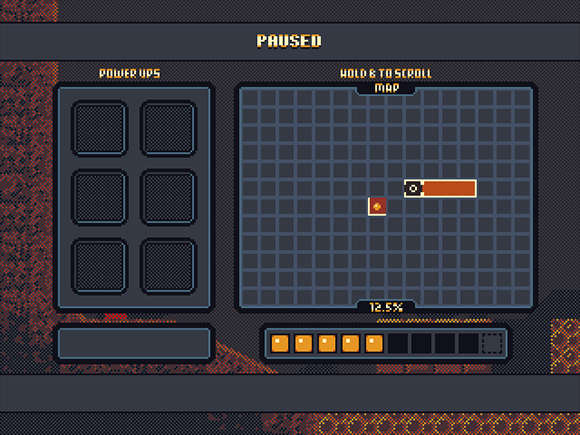
Some progress today on a fancy menu screen. Making a lot of use of my nine slice rendering class. I'll be posting an updated version of that soon!